
Work From Home Back Pain: Prevention Tips from Physiotherapists
Introduction
Work from home may seem comfortable, but for many professionals, it has become a major cause of daily back pain. Sitting for long hours, poor posture, laptop strain, and inadequate workspace setup can slowly affect spinal health. Many remote workers experience stiffness in the lower back, neck tension, shoulder pain, and even sciatica symptoms without realizing that small daily habits are causing the problem.
Back pain prevention tips are essential for maintaining long-term spine health while working remotely. The good news is that most work-related back pain can be managed and prevented with simple posture changes, ergonomic adjustments, and physiotherapist-guided exercises.
In this guide, you will learn why work from home back pain happens, how to improve posture, the best ergonomic home office setup, effective desk stretches, and when to seek professional physiotherapy support. Experts at Fitsiomax often help remote workers manage posture-related pain through evidence-based physiotherapy approaches and lifestyle corrections.
What Is Work From Home Back Pain?
Work from home back pain refers to discomfort or stiffness in the spine caused by prolonged sitting, poor posture, inadequate workstation setup, and reduced physical movement during remote work activities.
Why Does Working From Home Cause Back Pain?
Working from home increases the risk of spinal strain because many people use dining chairs, sofas, or beds as workstations. These setups usually lack lumbar support and proper alignment.
Common Causes of Home Office Back Pain
- Poor sitting posture
- Lack of ergonomic support
- Long hours without movement
- Laptop screens positioned too low
- Weak core muscles
- Reduced physical activity
- Stress-related muscle tension
Who Is Most Affected?
People at higher risk include:
- IT professionals
- Designers
- Remote customer support teams
- Students
- Freelancers
- Professionals sitting over 6 hours daily
Fitsiomax physiotherapists frequently observe posture-related back strain among remote employees who work continuously without taking movement breaks.
Symptoms of Work From Home Back Pain
The most common symptoms include lower back stiffness, neck pain, shoulder tightness, muscle fatigue, and discomfort while sitting or standing for long periods.
Signs You Should Not Ignore
Lower Back Symptoms
- Aching pain
- Sharp stiffness after sitting
- Difficulty bending forward
- Pain while standing up
Neck and Shoulder Symptoms
- Tech neck pain
- Shoulder tightness
- Headaches
- Upper back tension
Nerve-Related Symptoms
- Tingling in legs
- Numbness
- Sciatica pain
- Burning sensation
If symptoms continue for several weeks, professional physiotherapy assessment may help identify posture imbalances and muscular weakness.
Back Pain Prevention Tips for Remote Workers
The best back pain prevention tips include maintaining correct posture, using ergonomic furniture, taking frequent movement breaks, performing stretching exercises, and strengthening core muscles consistently.
1. Improve Your Sitting Posture
Proper posture reduces unnecessary stress on the spine.
Physiotherapist-Recommended Sitting Position
- Keep feet flat on the floor
- Maintain knees at hip level
- Relax shoulders
- Keep the back supported
- Avoid leaning forward
- Keep elbows near the body
Laptop Posture Tips
Using a laptop below eye level increases neck and upper back strain. Raise the screen using a stand or books to maintain neutral neck alignment.
Ergonomic Home Office Setup for Spine Health
Why Ergonomics Matter
An ergonomic workstation supports natural spinal alignment and reduces muscle fatigue during long working hours.
Best Ergonomic Setup Checklist
Workspace Element | Recommendation |
Chair | Adjustable with lumbar support |
Screen Height | Eye level |
Keyboard Position | Elbows at 90 degrees |
Foot Position | Flat on floor |
Sitting Time | Break every 30–45 minutes |
Lighting | Reduce screen strain |
Best Chair Tips for WFH Back Pain
Choose chairs with:
- Lumbar support
- Adjustable height
- Armrests
- Firm cushioning
- Upright posture support
Physiotherapist Back Exercises for Remote Workers
Can Vitamin Deficiency Affect Muscle and Joint Health?
Yes. Low vitamin D levels may contribute to:
- Muscle weakness
- Joint discomfort
- Fatigue
- Reduced mobility
People with body stiffness and fatigue every morning sometimes benefit from proper medical evaluation and nutritional guidance.
Physiotherapy for Morning Stiffness Relief
Simple stretching and strengthening exercises can reduce stiffness, improve mobility, and support spinal health during remote work.
Quick Back Stretches Desk Workers Can Try
Cat-Cow Stretch
Improves spinal flexibility and reduces stiffness.
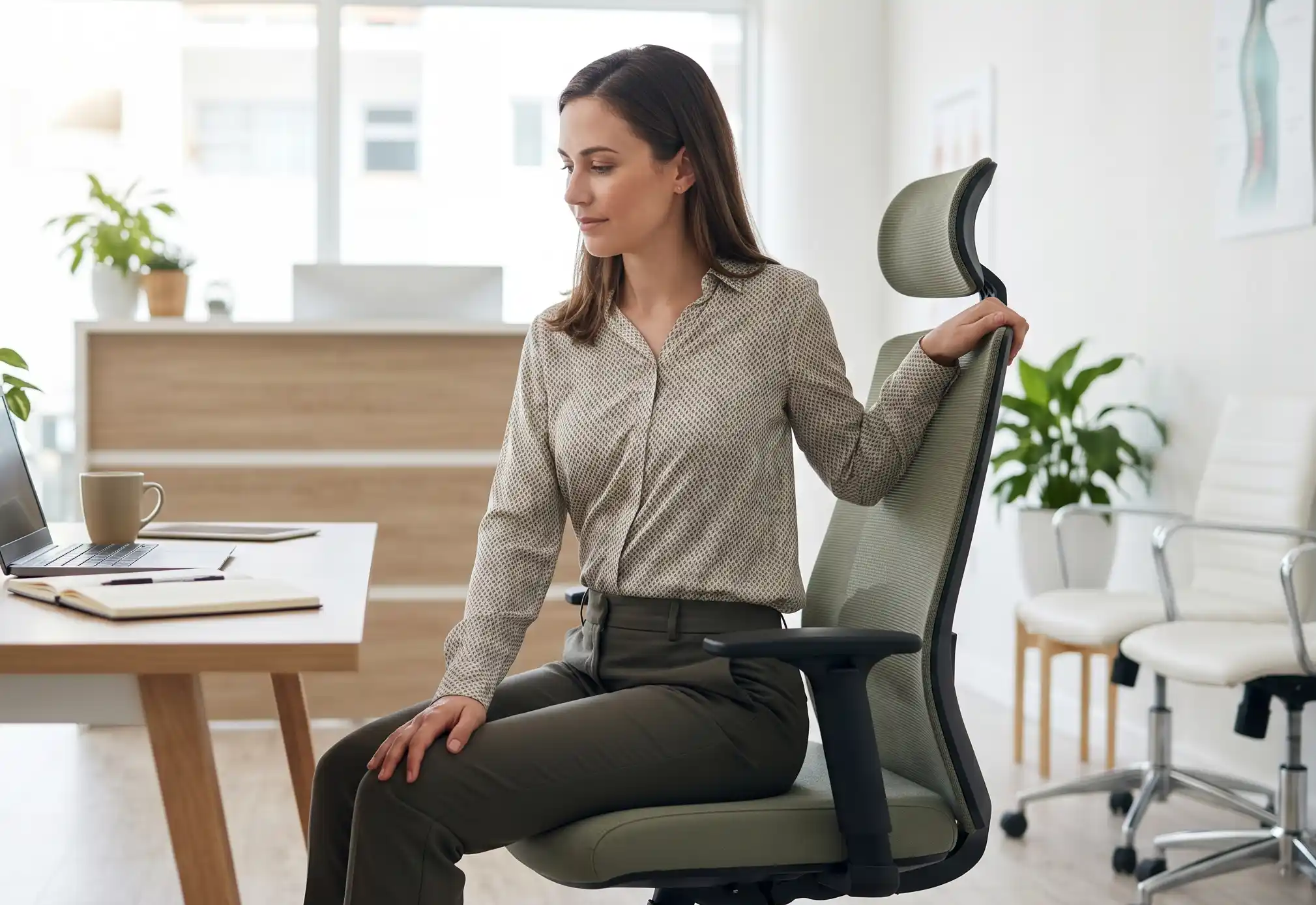
Seated Spinal Twist
Helps relieve tension in the lower back.
Shoulder Rolls
Reduces upper back and neck tightness.
Hamstring Stretch
Decreases stress on the lower back.
Chest Opening Stretch
Improves posture correction for WFH professionals.
Core Strength for Spine Support
Weak core muscles often contribute to recurring back pain.
Best Core Exercises
- Planks
- Bird dog exercise
- Glute bridges
- Pelvic tilts
- Dead bug exercise
Strong core muscles improve spinal stability and reduce pressure on the lumbar region.
Why Frequent Breaks Improve Back Health
Taking short breaks every 30–45 minutes improves blood circulation, reduces muscle stiffness, and prevents prolonged spinal compression.
Practical Tips
- Stand during phone calls
- Stretch between meetings
- Walk for 2 minutes hourly
- Avoid sitting continuously
- Use reminders for movement breaks
These small habits can significantly improve spine health remote work conditions.
Tech Neck Prevention While Working From Home
What Is Tech Neck?
Tech neck refers to neck strain caused by constantly looking downward at laptops or mobile screens.
Symptoms
- Neck stiffness
- Upper back pain
- Shoulder tightness
- Headaches
Prevention Tips
- Raise laptop screen height
- Avoid slouching
- Keep screens at eye level
- Perform neck mobility exercises
- Maintain neutral spine posture
When Should You See a Physiotherapist?
You should consult a physiotherapist if back pain lasts more than two weeks, affects daily activities, or causes numbness, tingling, or radiating pain.
Warning Signs
- Persistent lower back pain
- Sciatica symptoms
- Pain affecting sleep
- Reduced mobility
- Muscle weakness
- Recurring stiffness
Fitsiomax provides posture correction guidance and physiotherapy programs for individuals experiencing work-related spinal discomfort and repetitive strain issues.
How Physiotherapy Helps Work From Home Back Pain
Benefits of Physiotherapy
- Improves posture awareness
- Strengthens weak muscles
- Reduces pain naturally
- Restores mobility
- Prevents recurring injuries
- Enhances spinal alignment
Physiotherapists typically combine stretching, strengthening, ergonomic education, and movement correction to improve recovery outcomes.
Top Back Pain Prevention Tips for Remote Workers
- Maintain proper sitting posture
- Use ergonomic chairs with lumbar support
- Take breaks every 30–45 minutes
- Perform daily stretching exercises
- Strengthen core muscles
- Raise laptop screens to eye level
- Avoid prolonged sitting
- Seek physiotherapy if symptoms persist
Conclusion
Work from home routines can silently affect spinal health when posture, movement, and workstation setup are ignored. Following proper back pain prevention tips can significantly reduce discomfort and improve long-term mobility. Simple changes like ergonomic seating, posture correction, regular stretching, and movement breaks often make a noticeable difference.
If pain continues despite home adjustments, professional physiotherapy support may help identify the underlying cause and improve recovery safely. Fitsiomax supports individuals dealing with posture-related discomfort through evidence-based physiotherapy care focused on mobility, strength, and spine health.
Visit fitsiomax.clinic | Call us | Walk into our clinic in Chennai
Frequently Asked Questions
1. How can I prevent back pain while working from home?
In most cases, maintaining correct posture, using ergonomic furniture, taking regular breaks, and performing stretching exercises can help prevent work from home back pain effectively.
2. What is the best sitting posture for remote work?
Professionals usually recommend sitting with your feet flat on the floor, shoulders relaxed, and lower back supported while keeping the screen at eye level.
3. Can prolonged sitting cause lower back pain?
Yes. Sitting for long hours increases spinal pressure, weakens muscles, and reduces circulation, which may contribute to lower back stiffness and discomfort.
4. When should I see a physiotherapist for back pain?
Based on general physiotherapy practice, you should seek professional help if pain lasts longer than two weeks or causes numbness, weakness, or reduced movement.
5. Does physiotherapy help work from home posture problems?
Yes. Physiotherapy can improve posture awareness, strengthen supportive muscles, reduce pain, and correct movement patterns contributing to spinal strain.
6. Which exercises are best for desk-related back pain?
Commonly recommended exercises include spinal stretches, pelvic tilts, core strengthening movements, shoulder mobility exercises, and posture correction routines.